Billing and Payments
TailorMate tracks every payment against an order so you always know what's been paid and what's outstanding.
Record a Payment
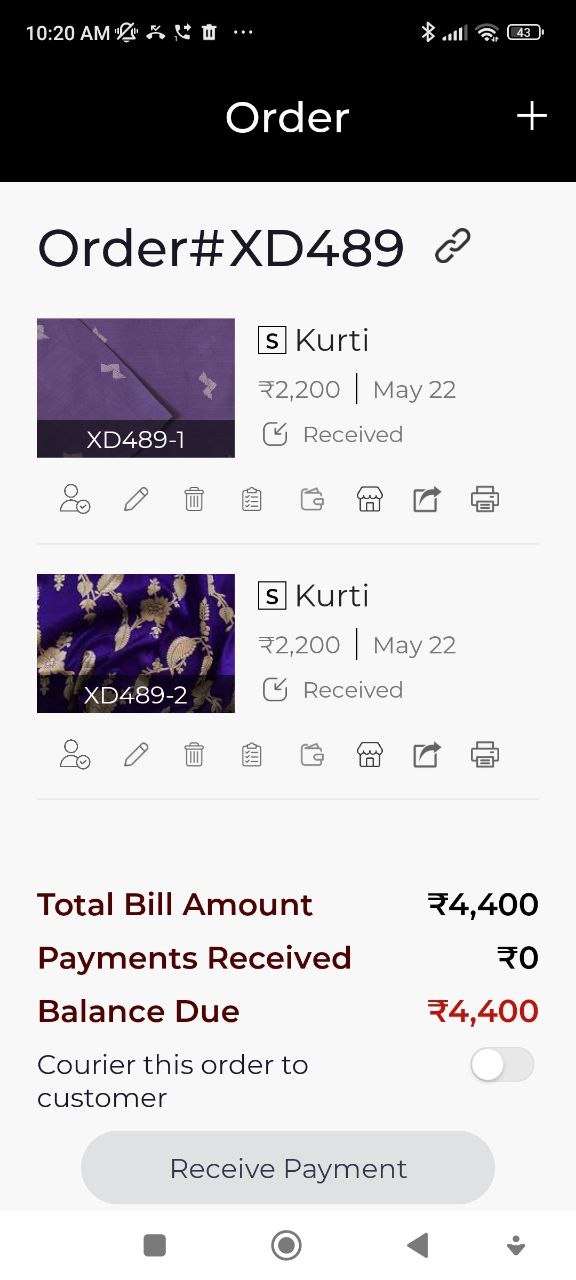
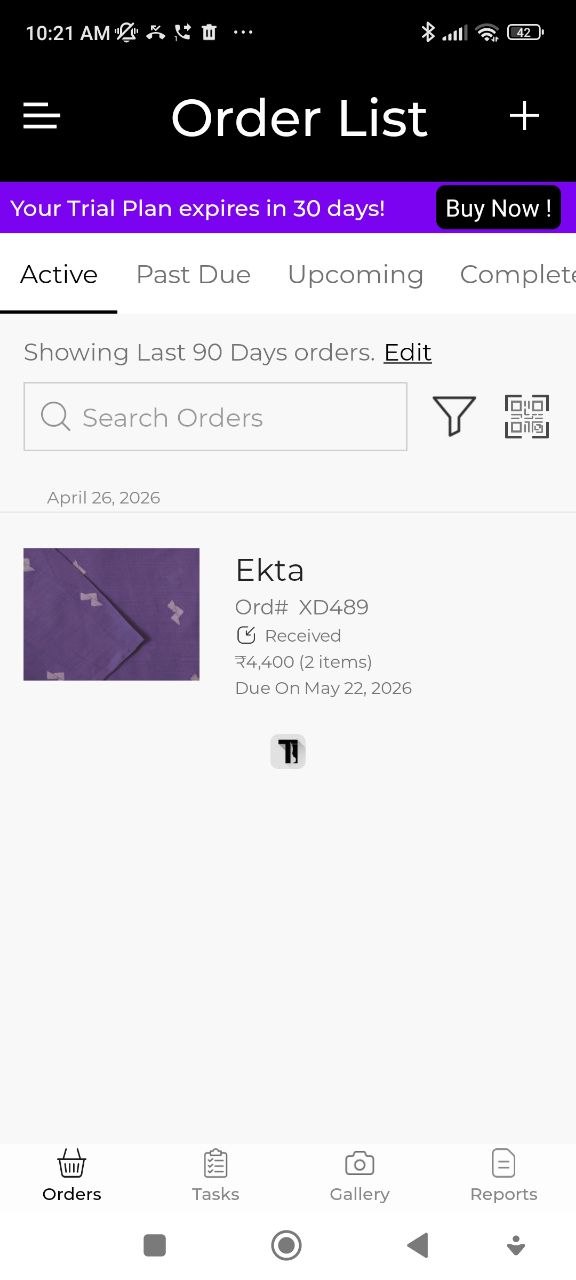
- Open the order from the Orders list.
- Tap Receive Payment.
- Fill in the payment details:
| Field | Notes |
|---|---|
| Date | Date the payment was received |
| Amount | Amount received in this transaction |
| Payment Method | Cash, UPI, Bank Transfer, Cheque, or Other |
| Discount | Apply a discount amount (deducted from the balance) |
- Tap Save.
Partial Payments (Advance)
Record each payment separately as you receive it. TailorMate automatically tracks the running balance:
Outstanding Balance = Order Price − Total Payments Received
You can record an advance at booking, another payment at trial, and the final amount at delivery — all tracked separately.
View Payment History
Open any order to see the full list of payments recorded, the total paid so far, and the remaining balance.
Generate a Bill
- Open the order.
- Tap Generate Bill (or View Bill).
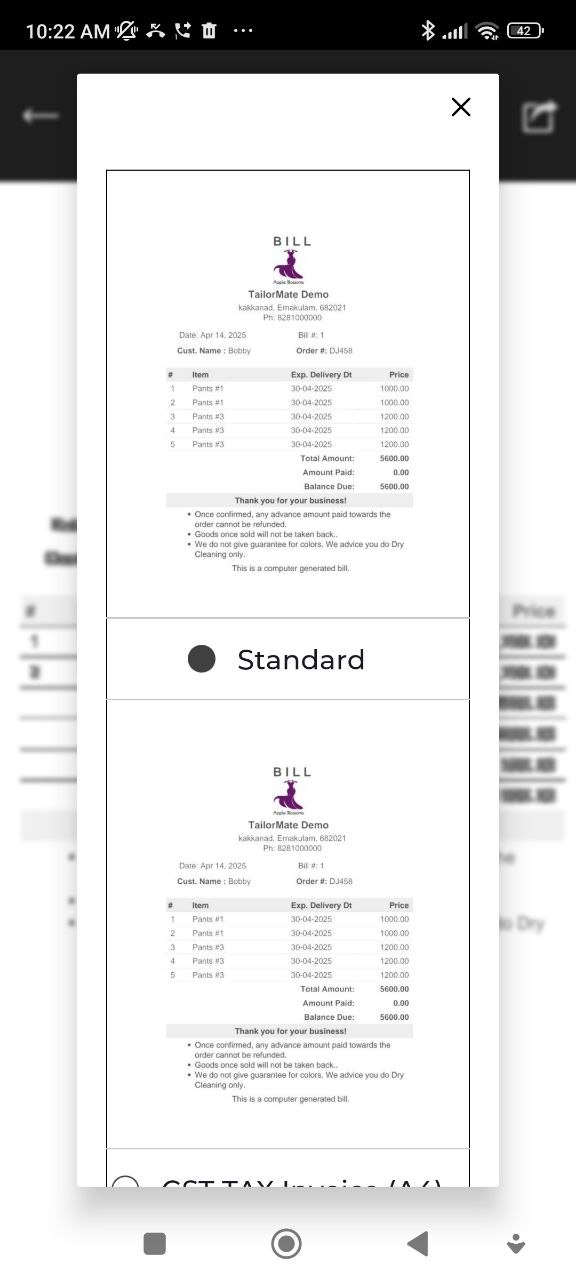
- Choose the bill format:
- Standard — a clean bill layout for sharing with customers
- GST TAX Invoice A4 — full GST-compliant invoice on A4 size
Print a Bill
From the bill view, tap Print and choose your printer method:
| Method | Details |
|---|---|
| WiFi / PDF | Print via a WiFi printer or save as PDF to your device |
| Thermal Bluetooth | Connect a Bluetooth thermal printer |
For thermal printing, select the paper width: 58mm, 80mm, or 100mm.
Share a Bill
Tap Share on the bill to send it to the customer:
| Option | What it does |
|---|---|
| Copy Link | Copies a link to the digital bill |
| Share Bill | Opens the standard share sheet (any app) |
| Send Bill | Sends via TailorMate's built-in messaging |
| WhatsApp Bill | Opens WhatsApp with the bill pre-attached |
What a Bill Includes
- Your shop name, address, phone number, and logo
- UPI QR code (if configured in your shop profile)
- Customer name and phone number
- Garment type and order details
- Add-ons (embroidery, lace, etc.) with individual prices
- Order price, amount paid, and balance remaining
- Date of bill generation
- Bill terms (if configured in Administration)
You can generate and share a bill at any stage — useful for sending an advance receipt right at booking.