Administration
Administration is where you customise TailorMate for your specific shop — defining the garment types you stitch, the tasks involved, pricing add-ons, and more.
Go to Administration from the hamburger menu (☰).
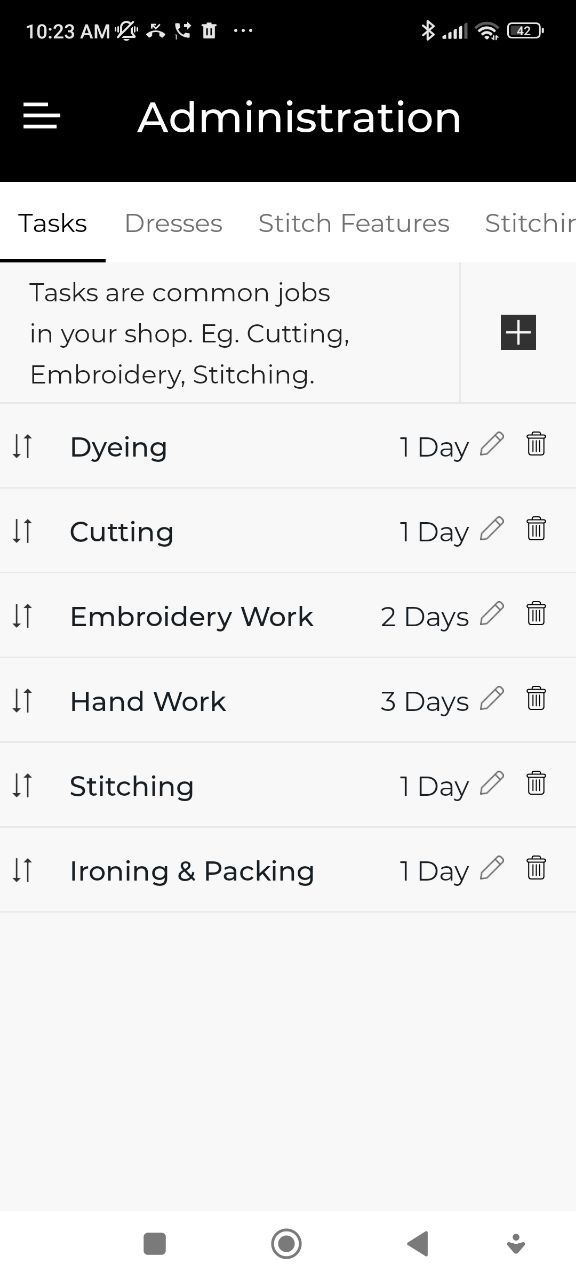
Tasks
Tasks are the production steps involved in completing a garment (e.g., Cutting, Stitching, Finishing, Embroidery).
- Add a task with a name and an estimated duration.
- Tasks you create here are available when assigning work to workers.
- See Tasks for how tasks appear in the production view.
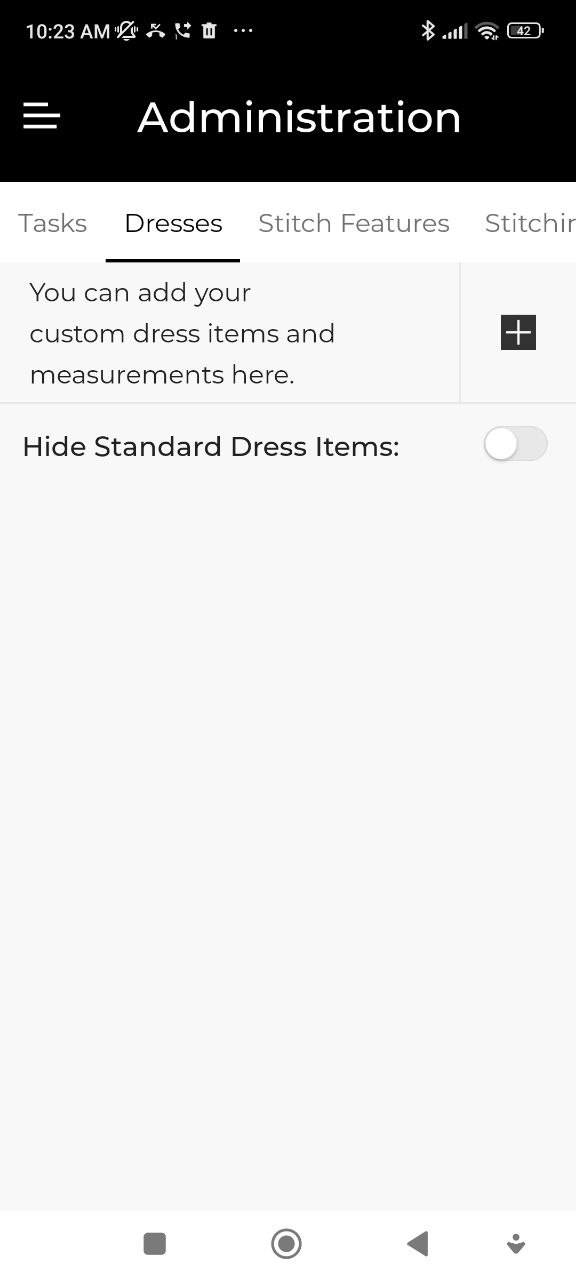
Dresses
Define the custom garment types your shop works with.
For each dress item you can configure:
- Name (e.g., Churidar, Salwar, Blouse)
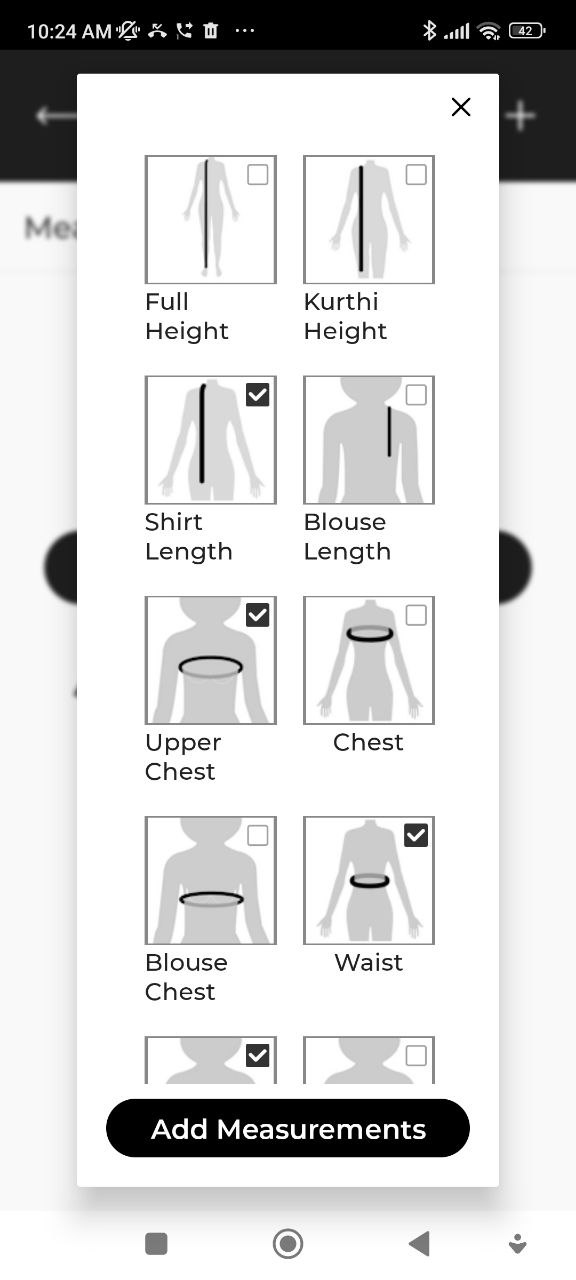
- Measurement fields — which body measurements apply to this garment
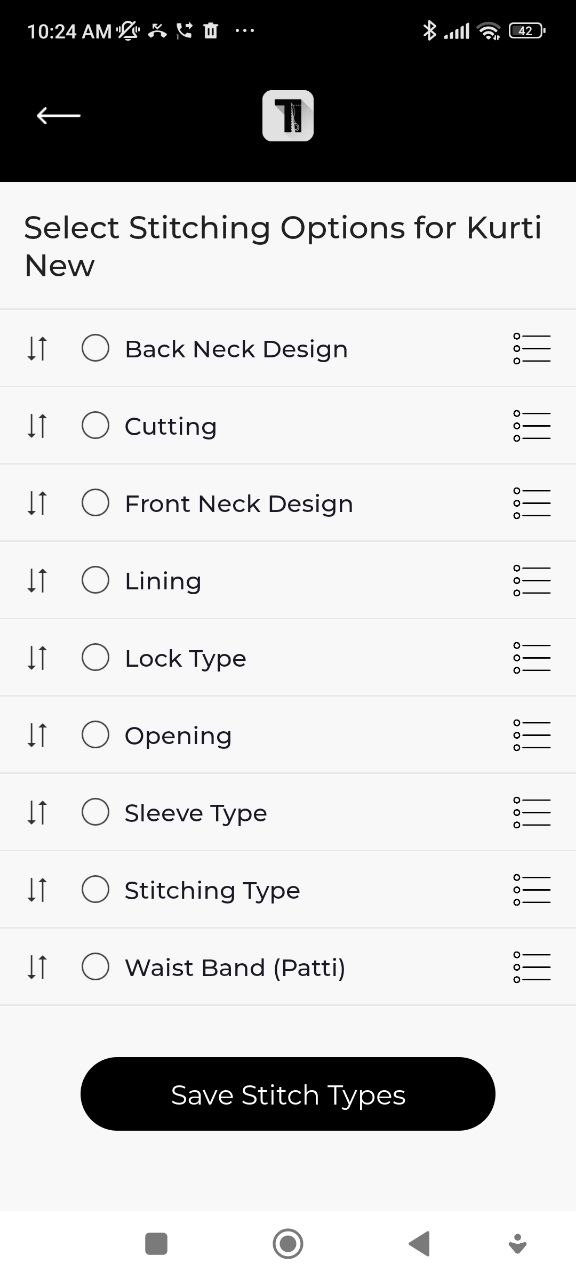
- Stitch features — specific style options (sleeve type, neck type, etc.)
These appear as selectable items when creating a new order.
Stitch Features
Manage the style options available for garment items — for example, sleeve styles (Full, Half, Sleeveless) or neck styles (Round, V-neck, Boat neck). These options appear as selectable choices when adding measurements to an order.
Stitching Services
Define the stitching service types your shop offers (e.g., Standard, Premium, Express). These can be selected when creating an order and included in billing.
Add-Ons
Add-ons are extra work items that can be added to any order with their own price.
Examples:
- Embroidery
- Lace
- Lining
- Piping
For each add-on, set a default price. The price can be adjusted per order.
Bill Terms
Set the default terms and conditions text that prints at the bottom of every bill. For example: "Goods once sold will not be exchanged."
Expense Heads
Define categories for shop expenses (e.g., Rent, Electricity, Materials, Wages). These are used when recording entries in Shop Expenses.
Set up your Dresses and Add-Ons before you start taking orders — it speeds up order creation significantly.